Cover Page
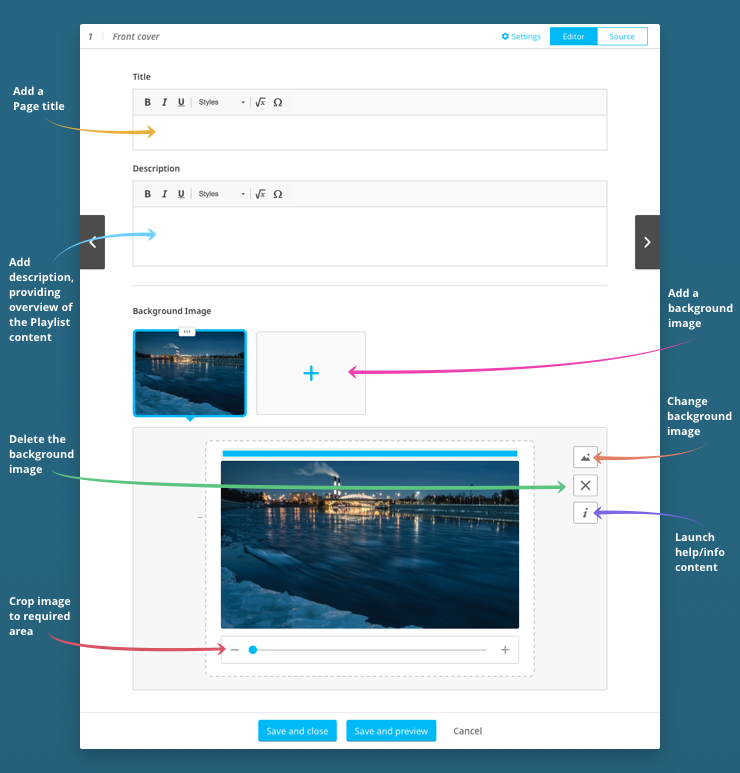
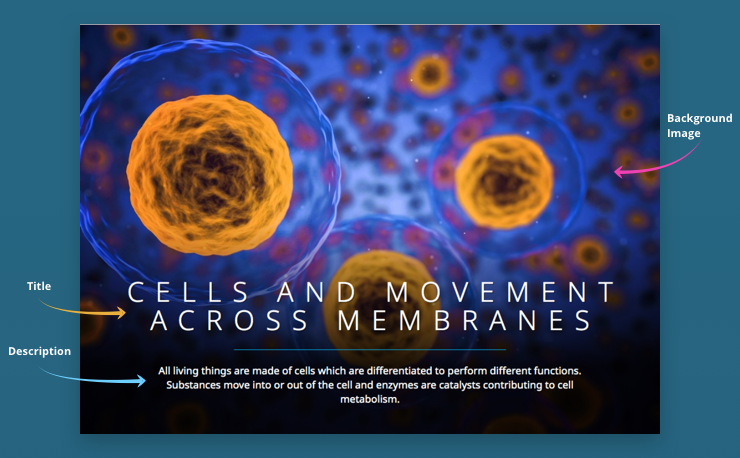
This is a template you can use to create a striking front cover for your Playlist. This allows you to introduce the content that follows with a title, description and background image of your choice.
A Cover page looks like this:
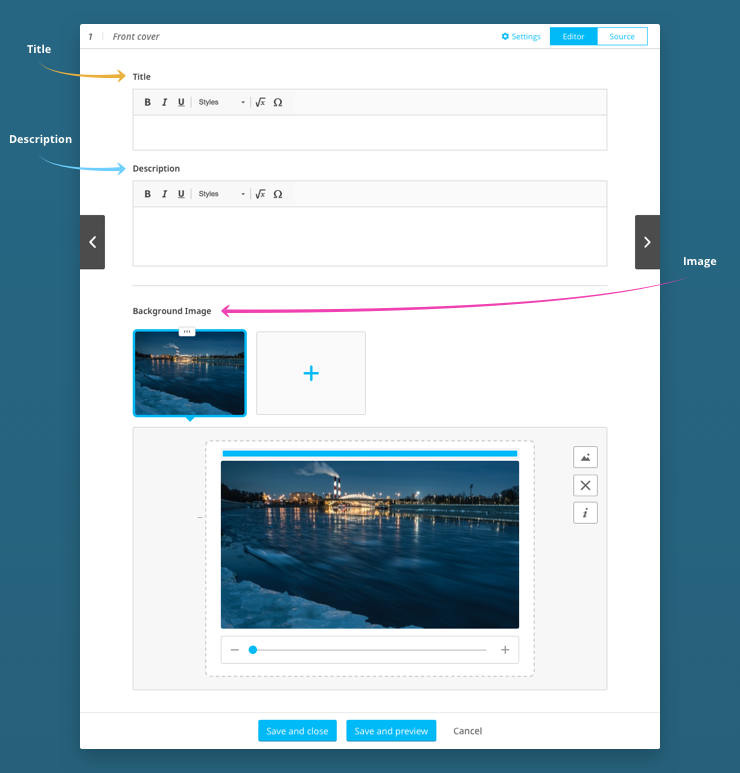
This is how the form used to author a Cover page looks:
Am I limited to just one image on a Cover Page?
No – you can put multiple images on a Cover Page which will cycle through on a loop.
Can I swap the image or change the title or description later on?
Yes. With the simple authoring tool, you are always able to go back and edit later on.
How do I create a Cover Page?
Add a Cover Page to the Playlist Storyboard, then click on  and author the Cover Page as shown below: