Presentation
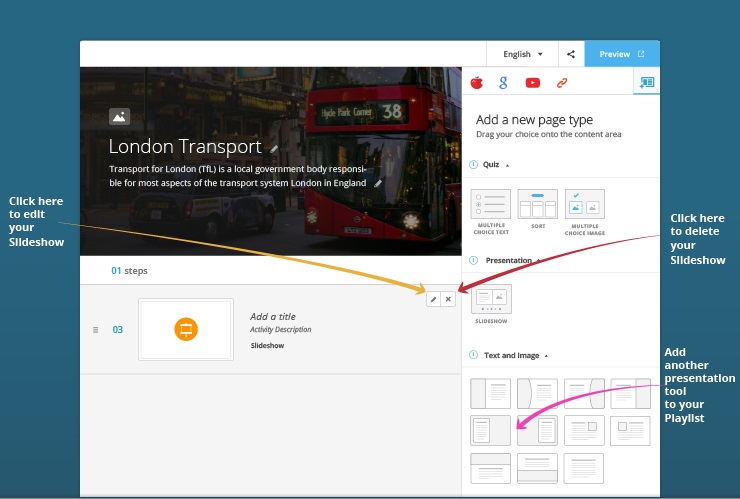
This section contains a range of presentation tools that you can use to make your content interesting, engaging and interactive.
When you choose to add a presentation tool, a page is added to your Playlist containing the tool. This means that you can add content to the page and to the tool you have selected. For example, you can add a Slideshow to a page and add a paragraph above it explaining its purpose or introducing it.
How do I add a presentation tool?
Click on the  button that appears when you hover over a presentation tool in the Playlist Editor.
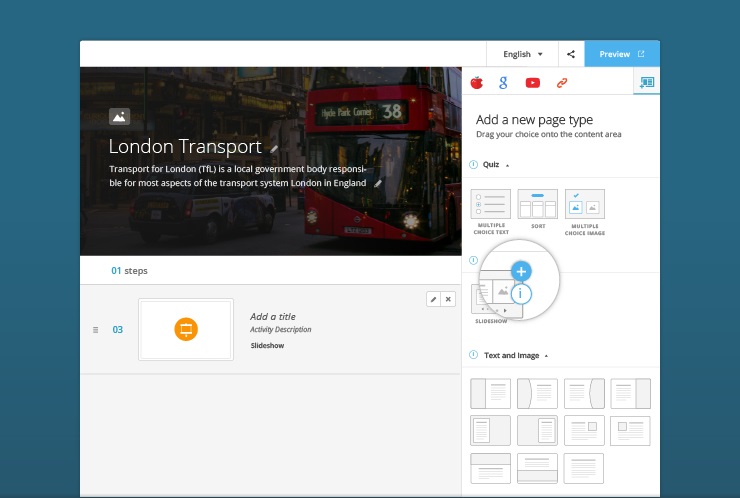
When you do this, a page will appear in the Playlist Storyboard and will include the selected presentation tool.